

Second listen
Sometimes a line of live translation looks a bit off. Second listen lets you ask Breeze to take another look at that line — with a little surrounding context — so the wording can be improved for you there and then, and so our small team can review it by hand later.
How to use it
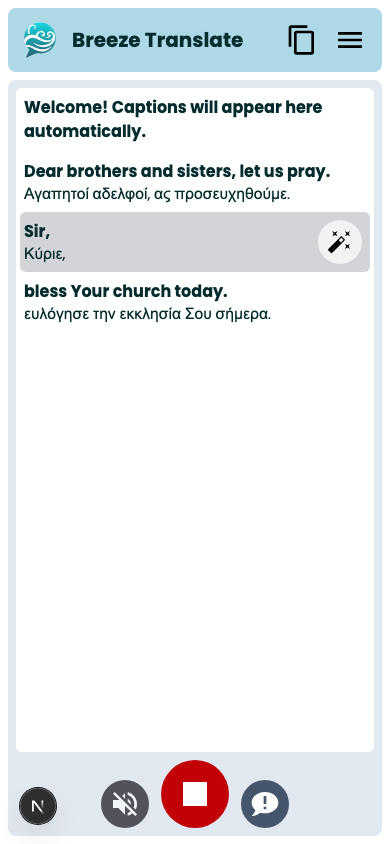
Section titled “How to use it”- On the live captions screen, tap the line that does not look right.
- Tap the wand on that line — that is Second listen.
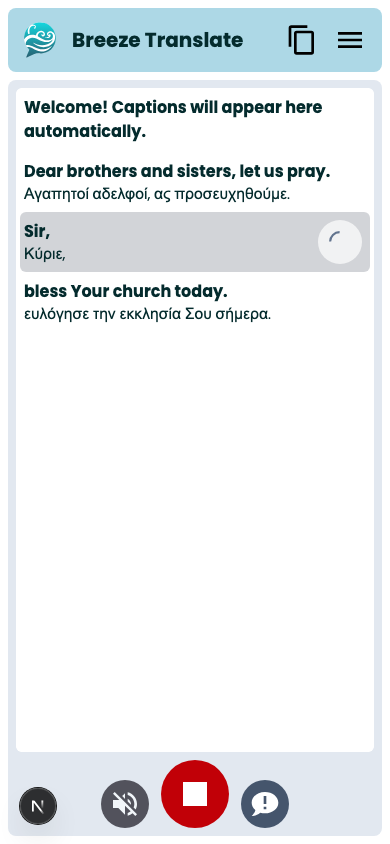
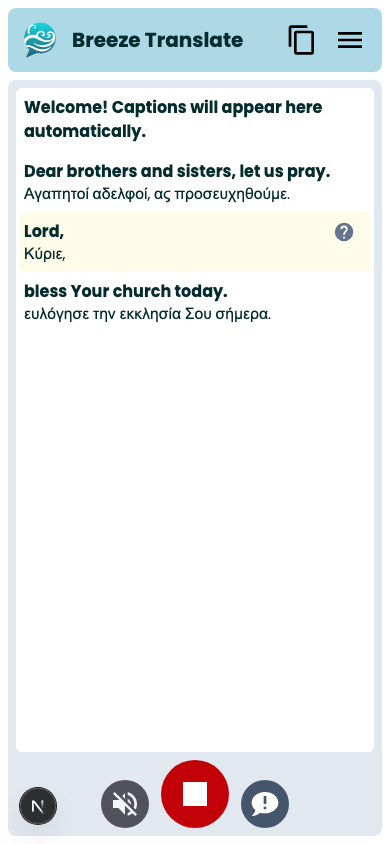
- Wait a moment while Breeze re-checks the line. The caption updates if a clearer version is available.
You can also open a short explanation from the welcome message (More…) while you are listening.
What we keep — and what we do not
Section titled “What we keep — and what we do not”When you request Second listen, we may keep that line and a few lines of surrounding context so our team can review the issue by hand and help us fix Breeze for everyone.
- Nothing is taken unless someone chooses to request Second listen.
- Nothing enters any process automatically.
- Church audio, transcripts, translations, and other meeting content are not used to train or fine-tune Breeze’s AI models — including in anonymised form.
- Outside these voluntary requests (and similar feedback or bug reports), audio and translations are not stored on our systems.
Full detail: Privacy policy.
Tips for Sunday
Section titled “Tips for Sunday”- Use Second listen when a single line is confusing — not for every caption.
- If the whole stream looks wrong, check your language choice first, or leave feedback.
- Greeters can point people to this page: it explains the tap without needing a tech briefing.
Related
Section titled “Related”- Reading captions
- Settings and sharing — leave feedback
- Privacy policy
- GDPR compliance — for church boards