

Settings and sharing
本頁內容尚未翻譯。
Tap Menu (☰) in the top-right corner of the listener app to open settings and tools.
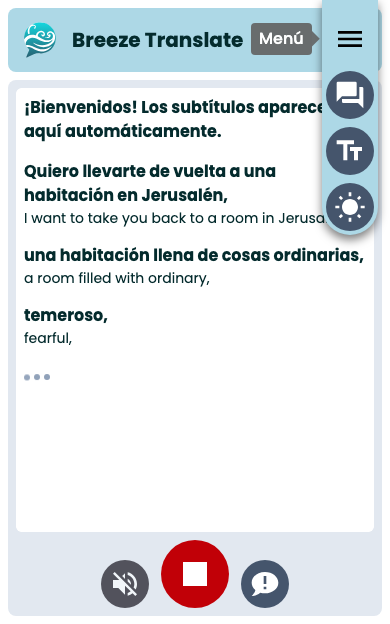
Menu options
Section titled “Menu options”| Button | What it does |
|---|---|
| Show / Hide original transcript | Toggle bilingual view (translation + original) |
| Change text size | Cycle small → medium → large |
| Switch to dark / light mode | Override your system theme for this page |
Your choices are saved on this device for future visits.
Light and dark mode
Section titled “Light and dark mode”Breeze follows your phone’s theme, but you can change it just for this page. Open the Menu (☰) and tap the theme button.
When you are in light mode the button says Switch to dark mode:

When you are in dark mode the button says Switch to light mode:
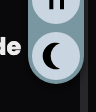
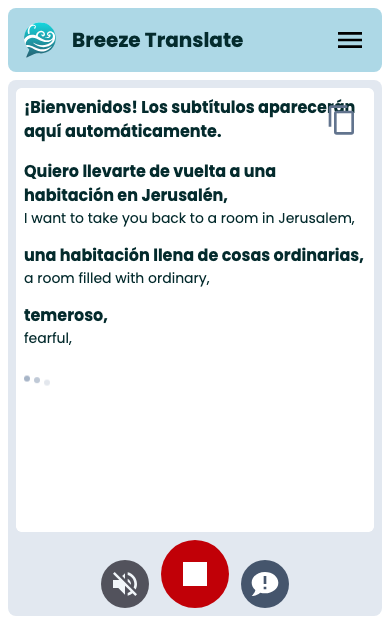
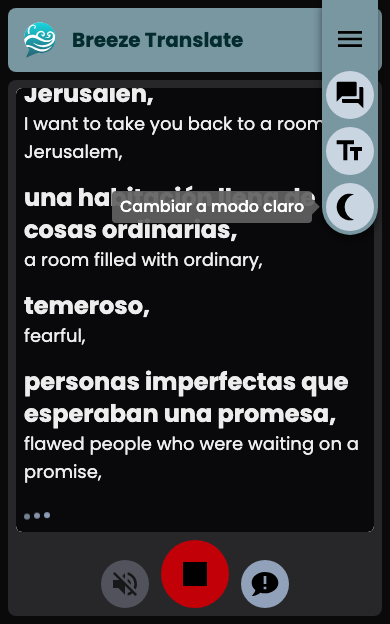
Here is the app in each mode:
Share or copy the transcript
Section titled “Share or copy the transcript”While captions are showing, tap the button at the top of the caption area to send the text so far. The icon looks a little different on iPhone and Android:
- On many phones, Share opens your system share sheet (Messages, Notes, email, and more).
- If sharing is not available, Copy puts the text on your clipboard instead.
What is included matches what is on your screen — the translation on its own, or with the original text if it is showing.
Leave feedback
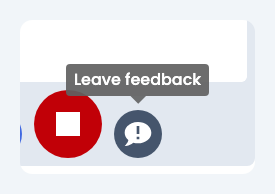
Section titled “Leave feedback”Tap the chat button (Leave feedback) on the bottom control bar to report a problem or suggestion.
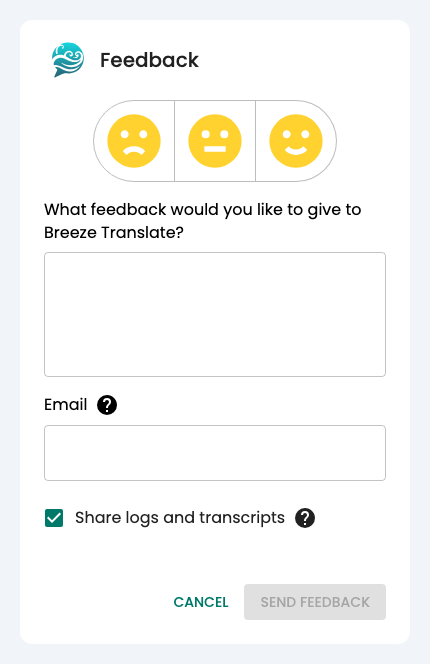
A short form opens where you can type your message:
You can also:
- Add your email if you are happy for us to reply.
- Send technical logs and transcripts to help us find the problem.
Use this during a service if spoken audio fails but captions still work, or if anything else seems wrong.
Stop and return
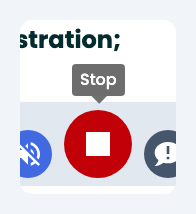
Section titled “Stop and return”The red Stop button takes you back to the language list. It does not delete captions already saved on your device.
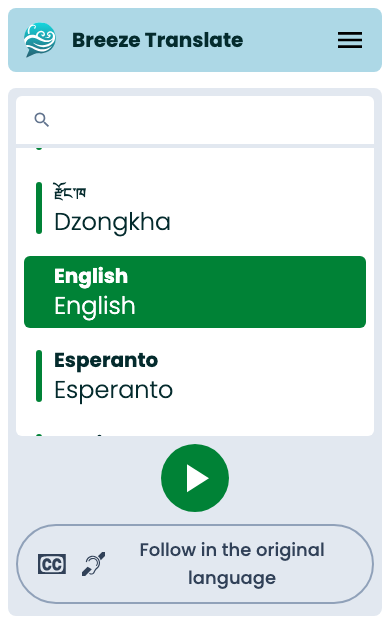
After you tap Stop, you return here — ready to pick a language again:
Next steps
Section titled “Next steps”- Reading captions — bilingual view, catching up, and text size
- Audio — spoken translation
- Listener app overview