

Caption mode
本頁內容尚未翻譯。
Some churches use Breeze primarily for live captions, with translation available when a guest needs it. Others run full multilingual ministry every week. Both work on the same listener app — what you see first depends on your church’s plan.
Caption-first landing
Section titled “Caption-first landing”On churches with Translation-Ready Captioning, you may arrive at a caption-first screen when you open the link. Tap Start to follow live captions in the spoken language of the service.
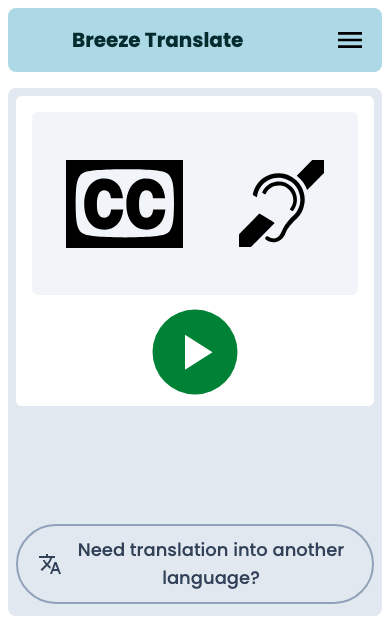
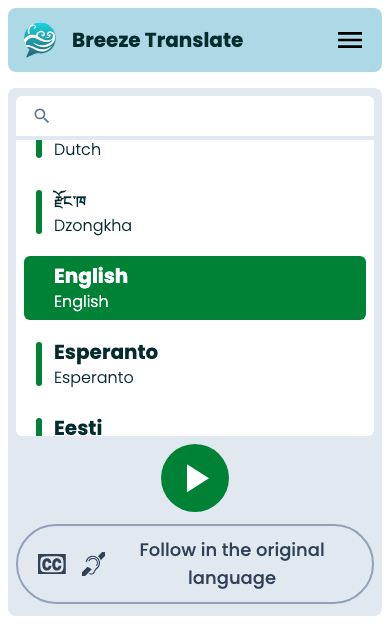
Tap Need translation into another language? at the bottom to open the full language picker.
Learn more about Translation-Ready Captioning or Pricing and plans on our website.
Follow in the original language
Section titled “Follow in the original language”On any church, you can choose Follow in the original language on the language picker — even if your church normally offers full translation.
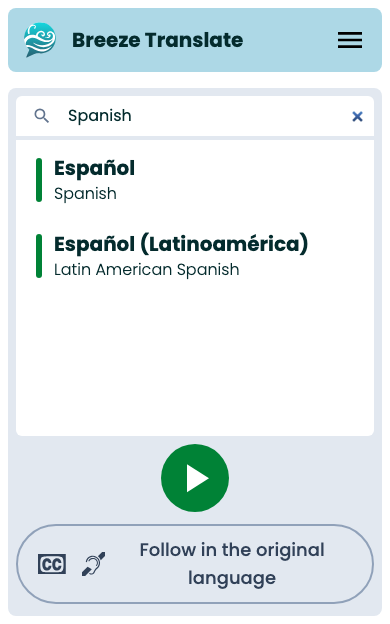
This opens captions in the spoken language of the service without translation. Useful if you are learning the language, or you want to read along with what is being said.
Translation when you need it
Section titled “Translation when you need it”From caption-first mode or original-language captions, you can switch to a translated language anytime:
- Open the menu or follow the Need translation? link.
- Search for and select your language.
- Tap Start.
You can still pick any supported language — see Listener languages on every plan.
Big screen vs your phone
Section titled “Big screen vs your phone”Your church may also show one language on a projector while phones still pick any language. See Big screens.
Next steps
Section titled “Next steps”- Joining a service — QR codes and search
- Reading captions — bilingual view and persistence