

Quick start
此内容尚不支持你的语言。
You can be live in about two minutes. Breeze works out of the box with sensible defaults — you do not need to change any settings to get started.
-
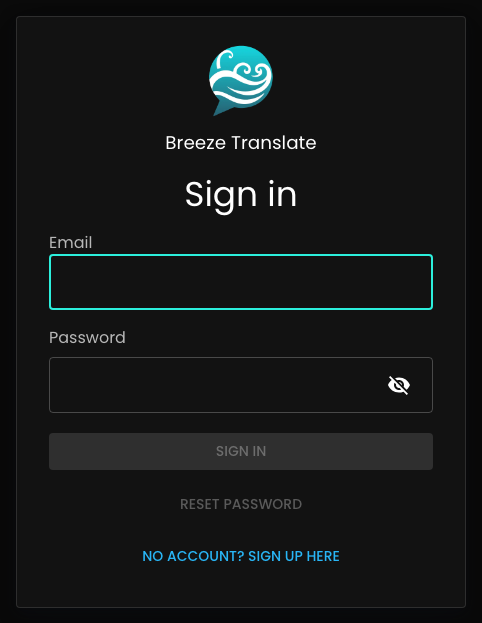
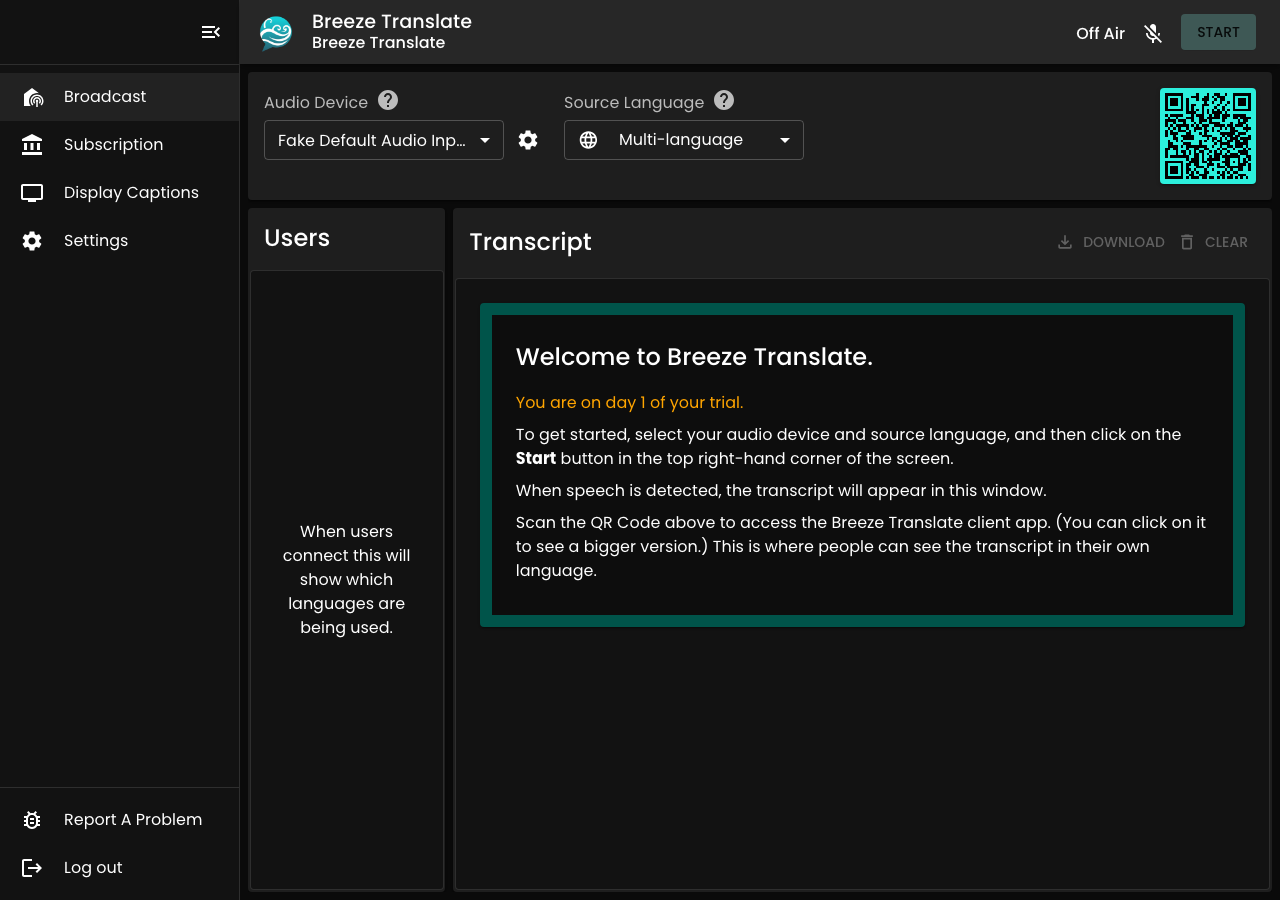
Log in to the control panel — you land on the home screen with Start, settings, and your transcript area.
-
Press Start and confirm the sound meter moves when someone speaks.
-
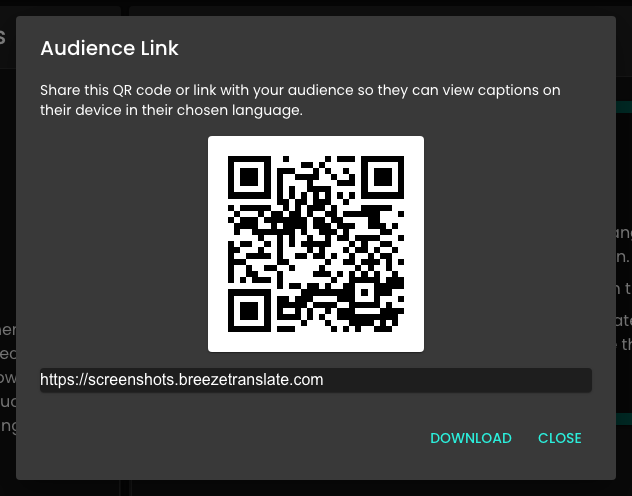
Share the QR code or listener link with your congregation (shown and downloadable from the control panel).
-
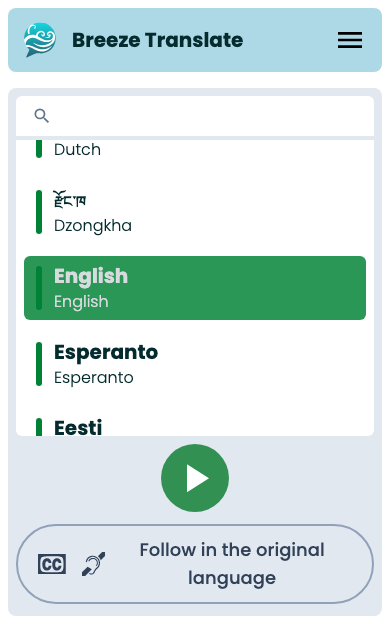
Each person opens the link and picks their language — any supported language, on any plan. You never pre-select languages for them.
Share the Listener app overview with congregants who want a full guide to the phone experience.
-
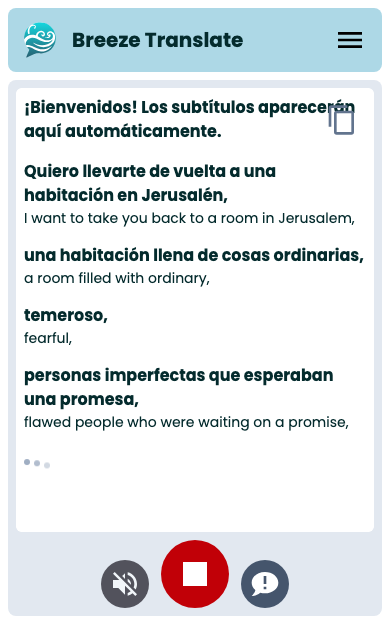
While your session is live, captions flow to their phone in the language they chose.
That’s it! Ministry stays the focus, not admin.
Want to go deeper?
Section titled “Want to go deeper?”- Onboarding checklist — timeline and what to do this month
- Your first service — rehearsal, room layout, and Sunday tips
- Audio and mixers — microphones and sound desk basics
- Welcome teams — briefing greeters before Sunday
- Speaking clearly for translation — how the way you speak helps Breeze and your congregation